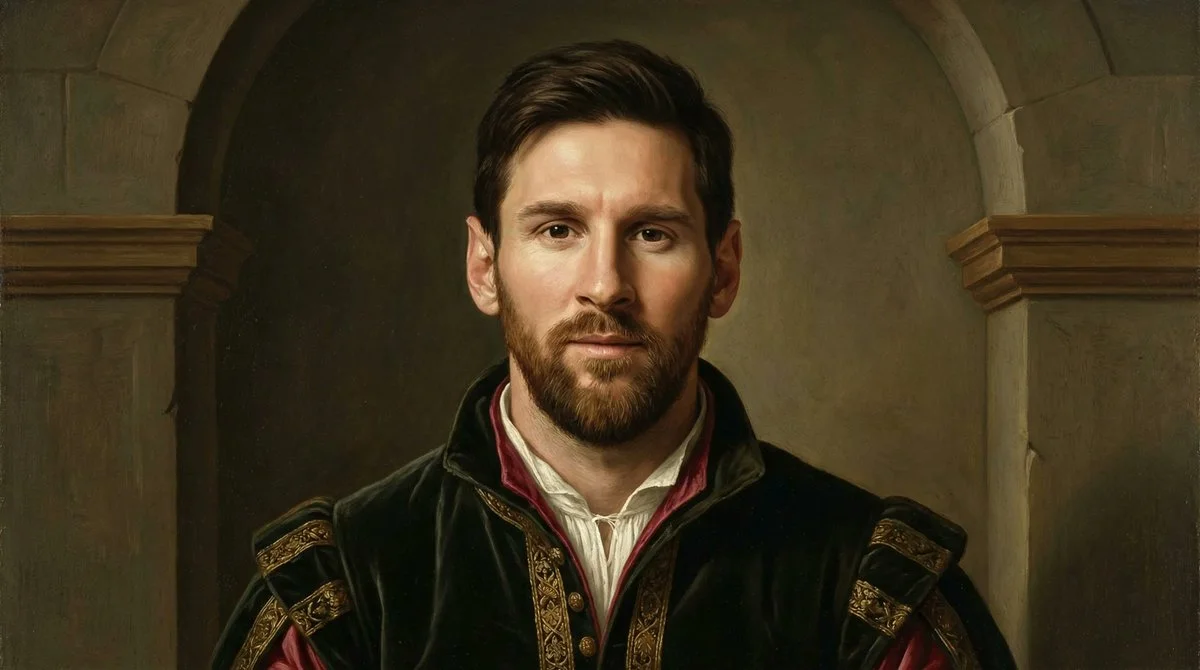
Image Nano Banana Pro
Transform Your Photo into a 15th-Century Renaissance Portrait
Learn to convert any image into a refined Early Renaissance painting with natural lighting, muted tones, and period-accurate clothing using AI's precise brushwork.
Prompt
Early Renaissance style painted portrait based on the provided image. Preserve the subject’s facial features and pose, but reinterpret them as a 15th-century oil painting. Use soft natural lighting, muted earthy tones, and subtle chiaroscuro. Add a simple, dark background with minimal architectural elements. Dress the subject in period-appropriate Renaissance clothing with fine textures. Ensure delicate brushwork, realistic proportions, and a calm, dignified expression inspired by artists like Leonardo da Vinci and Sandro Botticelli
Published: March 30, 2026 by @shushant_l