Image ChatGPT Image 2.5
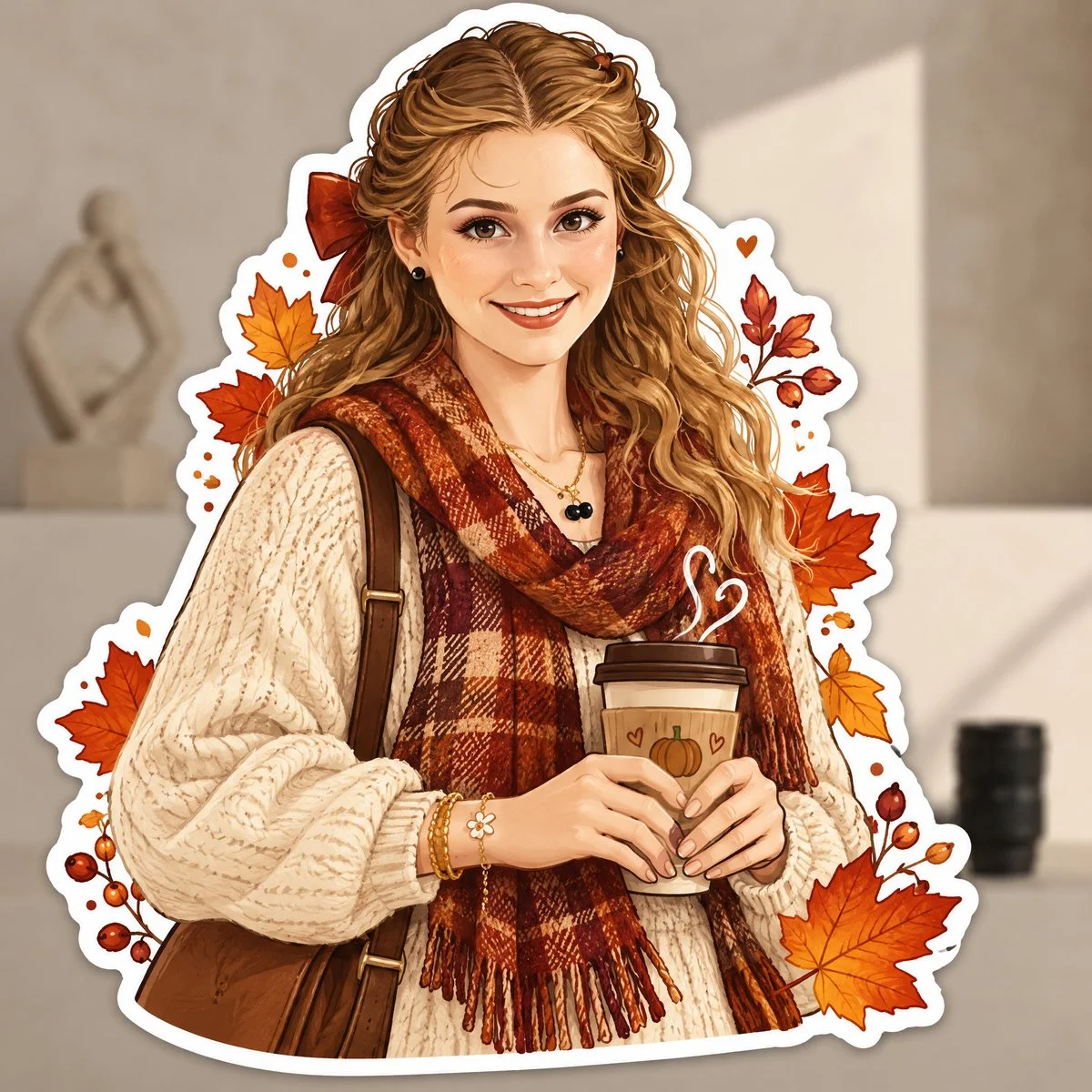
Cozy autumn sticker transforms your photo into charming illustrated keepsake
Turn any photo into a die-cut autumn sticker with thick white border, soft shadow, and warm fall palette. Background stays visible behind the illustration.
Prompt
Transform the uploaded photo into a charming AUTUMN ILLUSTRATED STICKER.

IMPORTANT — USE THE UPLOADED PHOTO AS THE CONTENT REFERENCE:
First analyze what is actually present in the original photograph: the person or people, animals, objects, clothing, hairstyle, pose, facial expression, interaction between subjects, surroundings, lighting and distinctive details.

Recreate THIS specific photograph as a completely hand-drawn animated-style illustration.

The final result must NOT look like an edited photograph, photo filter or realistic portrait. Completely redraw the main subject and all important foreground elements as a polished digital illustration.

STICKER TRANSFORMATION:
Turn the main subject or group of subjects into one large die-cut sticker.

Create a thick, smooth white sticker border around the entire silhouette, including important accessories and decorative elements that belong to the sticker.

Add a very subtle soft shadow underneath the white border so the sticker feels like a real physical vinyl or paper sticker placed over the original scene.

Keep the original background from the uploaded photograph visible BEHIND the sticker.

Slightly soften, simplify or gently blur the original background if necessary so the illustrated sticker clearly stands out, but preserve enough of the environment that the original location remains recognizable.

Do not keep a realistic photographic face. The face must also become illustrated.

If the photo contains an animal, transform the animal completely into a cute animated illustrated character while preserving its recognizable breed/type, colors, markings, proportions, pose and personality.

ILLUSTRATION STYLE:
Use a cozy modern digital illustration aesthetic inspired by premium stationery, seasonal stickers and charming editorial character art.

Avoid photorealism, 3D rendering, plastic-looking characters, generic Disney-like characters or childish clip-art.

AUTUMN TRANSFORMATION:
Give the sticker a strong but tasteful autumn identity.

Analyze the original photograph and creatively choose autumn details that naturally fit the subject instead of adding exactly the same decorations to every image.

You may partially redesign the original clothing into a more autumnal version if it improves the result, while keeping the person's overall identity and personality recognizable.

Use an autumn palette inspired by burnt orange, rust, terracotta, cinnamon, caramel, warm brown, muted mustard, cream, beige and deep burgundy.

DECORATIVE STICKER ELEMENTS:
Integrate several small illustrated autumn elements around the main character INSIDE or attached to the sticker silhouette.

For example, leaves can float beside the character, appear in their hair, peek from behind their shoulders or interact with objects they are holding.

Do not scatter random decorations everywhere. Make them feel intentionally composed around the original pose.

Add tiny hand-drawn details such as dots, speckles, sparkles or delicate texture where appropriate.

COMPOSITION :
Preserve the general storytelling and pose of the original photograph, but feel free to simplify or slightly adjust the composition to create a stronger sticker silhouette.

The sticker should be the clear visual focus and occupy a substantial part of the image.

Do not simply draw a white outline around the original photograph.

The transformation must be obvious:
PHOTO → FULLY ILLUSTRATED AUTUMN CHARACTER → DIE-CUT STICKER.

Keep the original photographic background behind it so the contrast between the real environment and illustrated sticker is clearly visible.
Published: September 11, 2026 by Aneeza Ai